Trust · stage 03
What the padlock does not mean
It says the connection is private, not that the site is honest.
Stage 03 of six/Trust, piece 2 of 3/Full piece/Next: Revocation

The padlock is a statement about the pipe, not the destination
The padlock icon that browsers display in the address bar means one specific thing: the connection between your browser and the server is encrypted, and the server has presented a certificate that a trusted authority has vouched for. That is all it means. It says nothing about whether the site on the other end is honest, legal, or safe to use.
This confusion is not accidental — it is baked into the way browsers have historically communicated trust. For years, browser makers reinforced the padlock with language like "Secure" next to the URL, a label that technically referred to transport security but landed in users' minds as a broader endorsement. The word was later dropped by most major browsers precisely because it overpromised, but the icon and its associations remain.
To understand what the padlock actually certifies, it helps to trace what happens when a certificate is issued. A site operator generates a key pair and submits a Certificate Signing Request to a Certificate Authority — a CA. The CA verifies something about the request, signs the certificate, and returns it. Domain Validation, the most common kind and the kind issued free by Let's Encrypt, checks only that the requester controls the domain name. It checks nothing about who they are, what they intend, or whether the business behind the domain is legitimate. Extended Validation certificates require more documentation about the legal entity, but browsers stopped displaying distinctive EV UI in most cases after research showed it was widely misunderstood and largely ignored.
So a phishing site can, and routinely does, carry a valid certificate. The encrypted channel protects your credentials in transit — from your machine to the attacker's server — perfectly. The padlock will appear. The connection is, in the technical sense, secure.
What the chain of trust actually guarantees
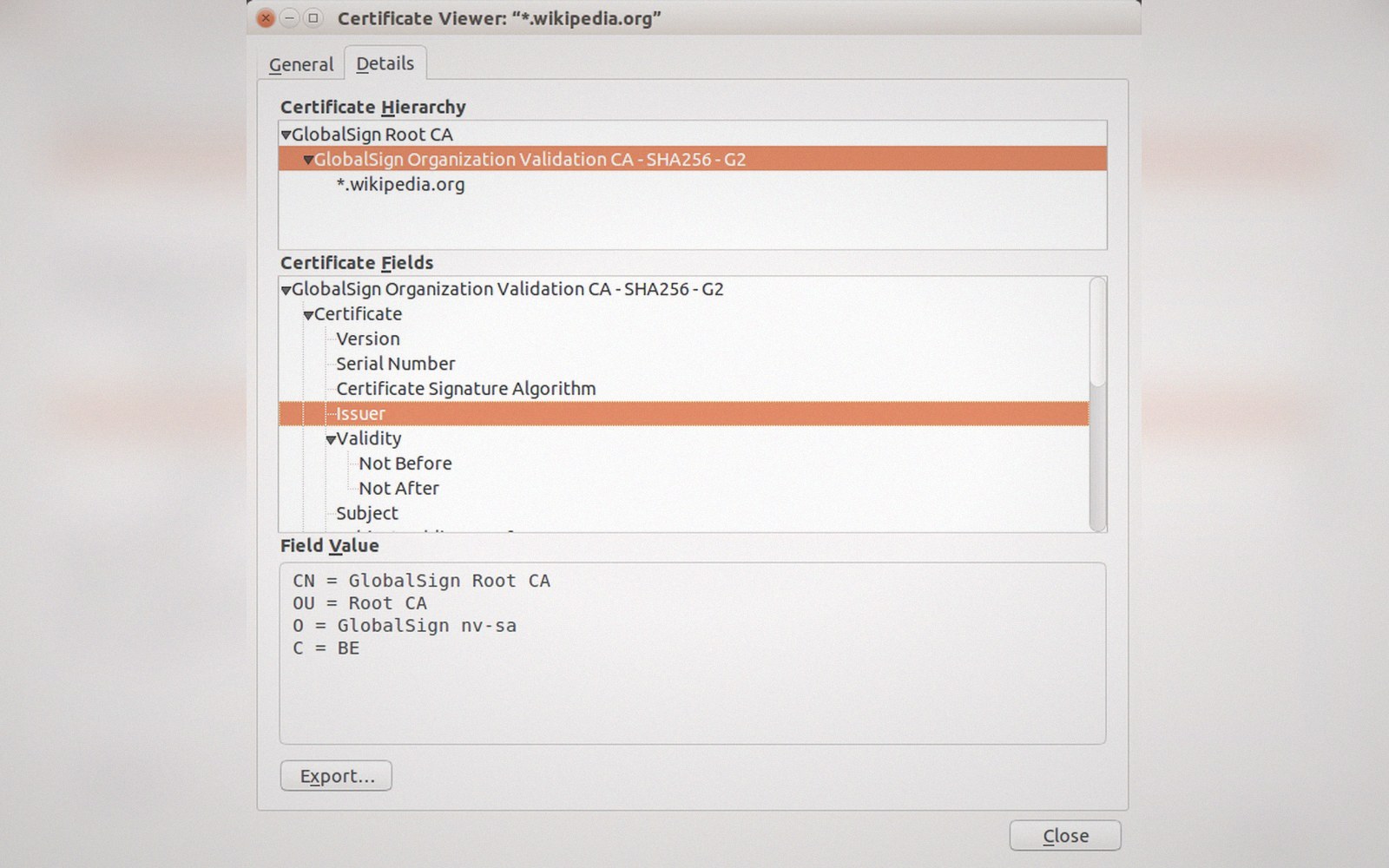
The certificate chain that your browser validates at connection time establishes three things: that the certificate was issued by an entity that a root certificate authority has vouched for, that the domain name in the certificate matches the domain you navigated to, and that the certificate has not expired or been revoked. None of these three checks touches the content or intent of the site.
The root stores — the curated lists of trusted root certificates maintained by Apple, Google, Microsoft, and Mozilla — determine which CAs your browser will accept at all. Inclusion in a root store requires the CA to follow the Baseline Requirements published by the CA/Browser Forum, a consortium of CAs and browser vendors. These requirements govern how certificates must be issued and audited, and they have tightened substantially over the past decade. But they govern the issuance process, not the character of the site receiving a certificate. A CA that issues a certificate to a fraudulent site is not necessarily in violation of any Baseline Requirement if the domain validation check passed.
This is the structural gap. The web's trust architecture was designed to solve the wiretapping problem — to ensure that traffic cannot be read or modified in transit. It was not designed to solve the fraud problem. These are different problems and they require different tools.
What does address the fraud problem
Fraud detection, phishing protection, and safe browsing systems operate largely outside the TLS certificate model. Google Safe Browsing, used by Chrome and Firefox among others, maintains a list of known malicious URLs updated frequently and checked by the browser independently of certificate validity. Browser vendors can also communicate through the CA/Browser Forum to require CAs to revoke certificates used on known phishing domains, but revocation carries its own limitations — delivery of revocation information to browsers is unreliable and often incomplete.
The padlock, then, is a narrow technical guarantee that has been surrounded by broader cultural expectations it cannot satisfy. Encryption in transit is necessary and worth having; a web without it would expose every form submission, login and session token to any party on the network path. But necessity is not sufficiency. A locked door on a fraudulent shop is still the door of a fraudulent shop. The connection being private does not make the party on the other end trustworthy, and conflating the two is an error that costs real people real money.
This confusion is not accidental — it is baked into the way browsers have historically communicated trust.
Chronology of the "Secure" label
In order- Browsers added the word "Secure" alongside the padlock to encourage HTTPS adoption
- Research showed users interpreted "Secure" as a broader endorsement of the site, not just the connection
- Most major browsers removed the label; the padlock icon alone remains